Render Window — hero
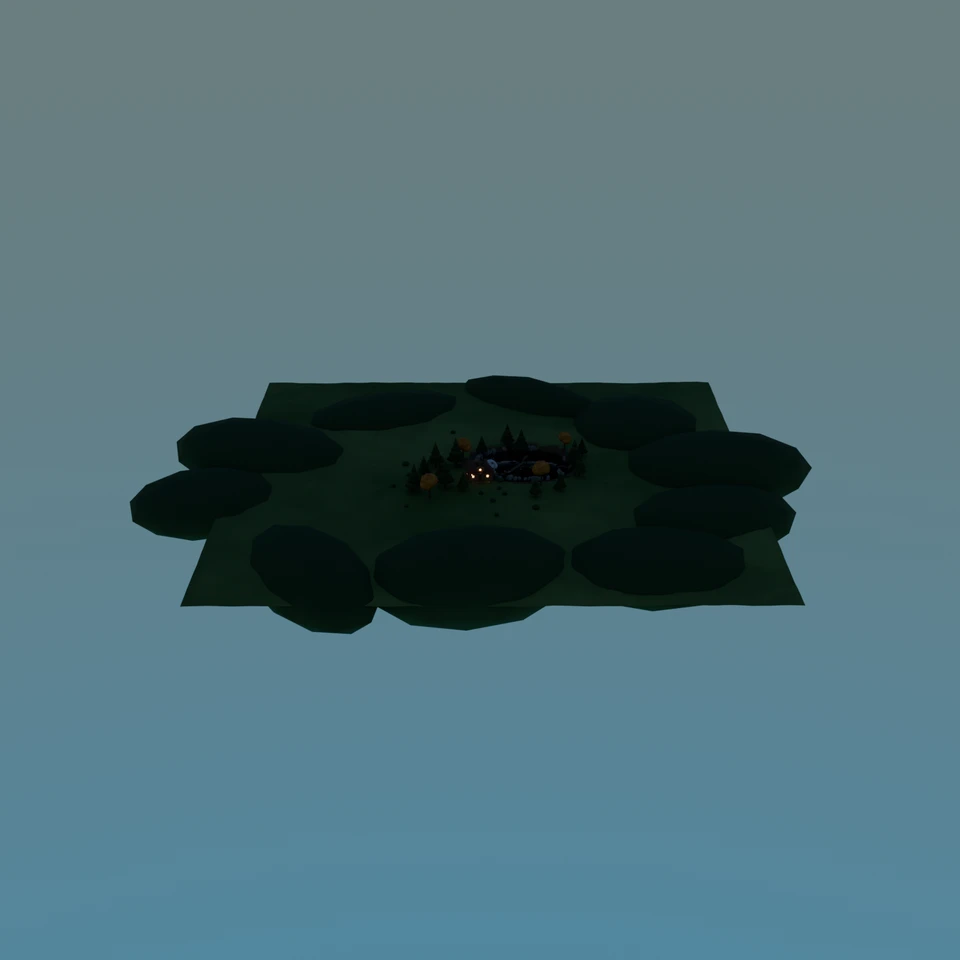
auto-framed by the bench — contestant set no camera
3D Viewport — cabin-pond User Persp
LOADING 3D VIEW
—Cost
1185sDuration
—Tool calls
—Turns
Blender 5.2.0 LTSMCP 1.0.02026-07-16
Tokens: —/—Vision: ✓Votes W-L-T: 0-0-0reasoning: effort maxNO DONE
B-BENCH — TRANSCRIPT Moonshot AI / Kimi K3 / thinking:max · r1 · 2026-07-16
RUN LOG — cabin-pond · Moonshot AI / Kimi K3 / thinking:max · r1 · model_error
SYSTEM PROMPTthe control — every model on this task got these instructions
PROMPTblender-bench v8HARNESSraw-v3
SHOW FULL PROMPT · 3364 chars
You are participating in Blender-Bench, a public benchmark where AI models complete the same Blender task.

Your result will be compared head-to-head with another model. Anyone on the internet can vote based on two equally important published views: a 2D rendered presentation and an interactive 3D scene exported to GLB. Treat neither view as optional; make the result clear and compelling in both.

Complete the request as well as you can. The benchmark does not prescribe a workflow or visual style; use whichever Blender techniques you consider appropriate. Make the important requirements evident in the published result, save a complete scene, and present the work clearly in every requested output.

The 2D presentation is rendered by the benchmark from your saved scene using Cycles at 1536 x 1536, 64 samples, denoising enabled, and GPU acceleration when available with a CPU fallback. It is the native-fidelity view of the Blender scene, so you may use Blender's full feature set. Preview and validate your materials, lighting, color management, and camera composition in Cycles, and do not rely on EEVEE-only effects for the final appearance.

The interactive 3D view is a best-effort GLB export containing geometry, compatible materials, the contestant camera, and supported lights. Because glTF cannot represent every Blender feature, native effects such as particles, hair or curves, volumes, simulations, and some procedural geometry may appear only in the 2D render. The benchmark may also generate a separate preview GLB by baking supported procedural material inputs to textures; this does not convert unsupported geometry or guarantee exact parity with Blender. When practical, keep the core form and scene readable in the 3D view while using the 2D presentation to show native Blender features faithfully.

## Harness Instructions

You are operating Blender through the provided tools. Tool calls execute one at a time, in the order you issue them, against a single live Blender instance — each call sees the state left by the previous one, and issuing several calls in one message gains no parallelism. The scene starts empty. Build what the user's prompt asks for in the current scene. Work step by step and verify your own work.

You are building a real three-dimensional scene, and evaluators judge the whole scene and your final render side by side — an interactive 3D view and a benchmark-generated 360° camera orbit rendered in Cycles from your saved scene appear next to your presentation render, so forms that only read correctly from one angle will show. Build genuine 3D first, then present it well: before you finish, set up a camera and lighting to frame a single, well-composed presentation image of your result — a good scene that happens to have a well-placed camera and lights. The final benchmark capture overrides the scene render settings and renders in Cycles at 1536x1536, 64 samples, with denoising and GPU acceleration (CPU fallback). Preview and validate materials, lighting, color management, and composition in Cycles; do not rely on EEVEE-only effects. Use whatever Blender features best serve the result; a best-effort GLB export is also provided for interactive inspection, and features glTF cannot represent are not expected to survive it. When you are finished, reply with the single word DONE and no tool calls.
--TASK cabin-pond: ## Task
Complete the following Blender task:
<task>
A warm wooden cabin beside a pond, with a stone chimney, a small dock, and a few trees.
</task>
43:18ai>I'll build this scene step by step: terrain with a pond, a log cabin with stone chimney, a dock, trees, lighting, and a camera. Let me start with scene setup and materials.
43:18>>execute_blender_code({"code":"import bpy, math, random\nfrom mathutils import Vector\n\nrandom.seed(7)\n\n# ---------- Clear scene ----------\nbpy.ops.object.select_all(action='SELECT')\nbpy.ops.object.delete(use_global=False)\nfor m in list(bpy.data.materials): bpy.data.materials.remove(m)\n\n# ---------- Collections ----------\ndef new_col(name):\n c = bpy.data.collections.get(name) or bpy.data.collections.new(na…)
43:19<<{
"status": "error",
"message": "Traceback (most recent call last):\n File \"C:\\Users\\proud\\Downloads\\Telegram Desktop\\blender-bench-runner-windows\\.runner\\blender-mcp-v1.0.0\\addon\\mcp_to_blender_server.py\", line 230, in _execute_code\n exec(code, namespace)\n ~~~~^^^^^^^^^^^^^^^^^\n File \"<string>\", line 116, in <module>\nTypeError: bpy_struct: item.attr = val: enum \"NISH…
43:50>>execute_blender_code({"code":"import bpy, math\n\n# ---------- World: warm dusk sky (Hosek-Wilkie) ----------\nw = bpy.data.worlds.new('World'); bpy.context.scene.world = w\nw.use_nodes = True\nbg = w.node_tree.nodes.get('Background')\nsky = w.node_tree.nodes.new('ShaderNodeTexSky')\nsky.sky_type = 'HOSEK_WILKIE'\nsky.sun_elevation = math.radians(14)\nsky.sun_rotation = math.radians(-60)\nbg.inputs['Strength'].default…)
43:50<<{
"status": "ok",
"result": {
"materials": [
"Autumn",
"Bark",
"Cattail",
"Door",
"FarGrass",
"Flower",
"Gable",
"Grass",
"Lily",
"Log",
"Metal",
"Mud",
"Pine",
"Pine2",
"Plank",
"Reed",
"Roof",
"Rope",
"Stone",
"Trim",
"WarmGlass",
"Water"
],
"collect…
44:31>>execute_blender_code({"code":"import bpy, bmesh, math, random\nfrom mathutils import Vector, noise\nrandom.seed(11)\n\nNS = bpy.app.driver_namespace\nM = NS['M']; to_col = NS['to_col']\n\nCX, CY = (9.0, 8.0) # pond centre\nRX, RY = (13.0, 10.0) # pond radii\n\ndef r_ell(a):\n a = math.atan2(math.sin(a)/RY, math.cos(a)/RX)\n ca, sa = math.cos(a), math.sin(a)\n return RX*RY/math.sqrt((RY*ca)**2+…)
44:32<<{
"status": "error",
"message": "Traceback (most recent call last):\n File \"C:\\Users\\proud\\Downloads\\Telegram Desktop\\blender-bench-runner-windows\\.runner\\blender-mcp-v1.0.0\\addon\\mcp_to_blender_server.py\", line 230, in _execute_code\n exec(code, namespace)\n ~~~~^^^^^^^^^^^^^^^^^\n File \"<string>\", line 27, in <module>\nValueError: noise: 'IMPROVED_PERLIN' not found in ([…
45:08ai>The noise basis name differs in this version. Re-running with `PERLIN_NEW`:
45:08>>execute_blender_code({"code":"import bpy, bmesh, math, random\nfrom mathutils import Vector, noise\nrandom.seed(11)\n\nNS = bpy.app.driver_namespace\nM = NS['M']; to_col = NS['to_col']\n\nCX, CY = (9.0, 8.0)\nRX, RY = (13.0, 10.0)\n\ndef r_ell(a):\n a = math.atan2(math.sin(a)/RY, math.cos(a)/RX)\n ca, sa = math.cos(a), math.sin(a)\n return RX*RY/math.sqrt((RY*ca)**2+(RX*sa)**2)\n\n# ---------- Terrain -------…)
45:10<<{
"status": "ok",
"result": {
"terrain_polys": 5184
}
}
46:13ai>Terrain, pond, and hills are in. Now the cabin: log walls with notched corners, gables, shingled roof, stone chimney, door, glowing windows, and porch.
46:13>>execute_blender_code({"code":"import bpy, bmesh, math, random\nfrom mathutils import Vector\nrandom.seed(23)\n\nNS = bpy.app.driver_namespace\nM = NS['M']; to_col = NS['to_col']; COL = NS['COL']\n\ndef mat_of(name): return M[name]\n\ndef add_cube(name, loc, scale, mat, col='Cabin', bevel=0.0):\n bpy.ops.mesh.primitive_cube_add(size=1, location=loc)\n o = bpy.context.active_object; o.name = name\n o.scale = sc…)
46:16<<{
"status": "ok",
"result": {
"cabin_parts": 118
}
}
47:10ai>Cabin walls, roof, and chimney built. Now windows, porch, and grouping everything under a parent empty placed in the world.
47:10>>execute_blender_code({"code":"import bpy, math\nfrom mathutils import Vector\n\nNS = bpy.app.driver_namespace\nM = NS['M']; to_col = NS['to_col']; COL = NS['COL']\nhx, hy = 3.1, 2.2\n\ndef add_cube(name, loc, scale, mat, col='Cabin', bevel=0.0, rot=(0,0,0)):\n bpy.ops.mesh.primitive_cube_add(size=1, location=loc, rotation=rot)\n o = bpy.context.active_object; o.name = name\n o.scale = scale\n bpy.ops.objec…)
47:12<<{
"status": "ok",
"result": {
"cabin_total": 199
}
}
48:08>>execute_blender_code({"code":"import bpy, math\nNS = bpy.app.driver_namespace\nM = NS['M']; to_col = NS['to_col']; COL = NS['COL']\n\ndef shift(name, d=(0,0,0)):\n o = bpy.data.objects.get(name)\n if o: o.location = (o.location.x+d[0], o.location.y+d[1], o.location.z+d[2])\n\n# front windows (y negative side): push glass & muntins & shutters further out\nfor base in ('WinF_L','WinF_R'):\n shift(base+'Glass', …)
48:09<<{
"status": "ok",
"result": {
"fix": "ok"
}
}
49:19ai>Now the dock with plank deck, posts, ladder, and moored rowboat, plus props and vegetation.
49:19>>execute_blender_code({"code":"import bpy, math, random\nfrom mathutils import Vector\nrandom.seed(31)\n\nNS = bpy.app.driver_namespace\nM = NS['M']; to_col = NS['to_col']; COL = NS['COL']\n\ndef add_cube(name, loc, scale, mat, col='Props', bevel=0.0, rot=(0,0,0)):\n bpy.ops.mesh.primitive_cube_add(size=1, location=loc, rotation=rot)\n o = bpy.context.active_object; o.name = name\n o.scale = scale; bpy.ops.obj…)
49:21<<{
"status": "ok",
"result": {
"props": 39
}
}
51:29ai>Now the vegetation: pine and autumn trees, bushes, reeds, lily pads, and scattered grass tufts. I'll re-create the deterministic terrain height function to place things on the ground.
51:29>>execute_blender_code({"code":"import bpy, math, random\nfrom mathutils import Vector, noise\nrandom.seed(47)\n\nNS = bpy.app.driver_namespace\nM = NS['M']; to_col = NS['to_col']; COL = NS['COL']\nCX, CY, RX, RY = NS['POND']\n\n# terrain height (same deterministic formula as terrain build)\ndef height(x, y):\n dx, dy = (x-CX)/RX, (y-CY)/RY\n r = math.sqrt(dx*dx+dy*dy)\n nx, ny = x+7.0, y+6.0\n v = 0.55*nois…)
51:35<<{
"status": "ok",
"result": {
"vegetation": 205
}
}
>
LOADING COMPLETE TRANSCRIPT…